
What is Stuard
Stuard is the AI workspace for your PC. Create tools, agents, and workflows that share one context and one unified memory. Stop spending $20 a month on 10+ AI tabs.
01 / The difference
You became the bridge between your AI tools.
Stuard makes them one.
One memory. Every model. Your machine.
Stop copy-pasting context between tabs. Chat, research, images and agents all work from the same memory of you, right on your PC.
02 / The payoff
You get your time back.
Every card is something Stuard actually does, so you don't have to.
03 / Proof
Watch it actually do it.
It writes the email. In your Gmail. For real.
Not a draft in a chat window you copy-paste. Your actual account, ready to send.
It finds the file you half-remember.
"That budget thing from March, the one with the blue chart." Found.
It fills the form you've been avoiding.
Applications, sign-ups, the 40-field portal. Stuard drives the browser like you would — just faster.
It runs your apps like you would.
Real windows, real clicks, on your real desktop. Watch it happen, step in anytime.
04 / Try it
Don't take our word for it. Type.
This demo is live — click in and ask for something. On your PC, Stuard drops over any app you're using.
On your PC: Ctrl + Space over any app
05 / The deep end
Then there's the work that takes all afternoon.
A question gets you an answer. A real job needs a hundred sources, your own files, and something that keeps working after you look away.
Deep research that ends in a file. Not a tab.
Ask for the landscape, the literature, the competitor teardown. It reads for twenty minutes and hands you a cited report, saved to your disk. Then it drafts the email about it, because it is the same assistant.
research run · 62 sources · 1 report.md
It searches the whole web. And your disk.
Every question fans out across multiple search indexes at once, merged and deduped, then split between sub-researchers reading different threads in parallel. The tool in your browser tab has never seen the folder where you keep your own numbers. This one cites both.
2 search indexes · 4 sub-researchers · deduped by url
A project you enter. Not a chat you re-explain.
Drop in the files, the links, the half-finished drafts. Every chat inside already knows what you decided last week and which version won. Come back in a month and it is all still there, waiting to tell you where you left off.
sources · timeline · memory · tasks
It works on your machine. With your logins.
An agent in a rented cloud VM starts every job as a stranger: no files, no accounts, nothing but a browser and a guess. Stuard already has your apps open and your folders indexed. Close the lid and it hands the long jobs to the cloud, then keeps going.
local first · cloud only when you ask
06 / Overnight
You sleep. It ships.
Schedule agents that triage Gmail, reply on X in your voice, or finish a research report overnight. Close the lid and hand the long job to the cloud — wake up to finished work. Stuard can even call or text you the news.
overnight run · 02:14 · 6 tasks finished
07 / Memory
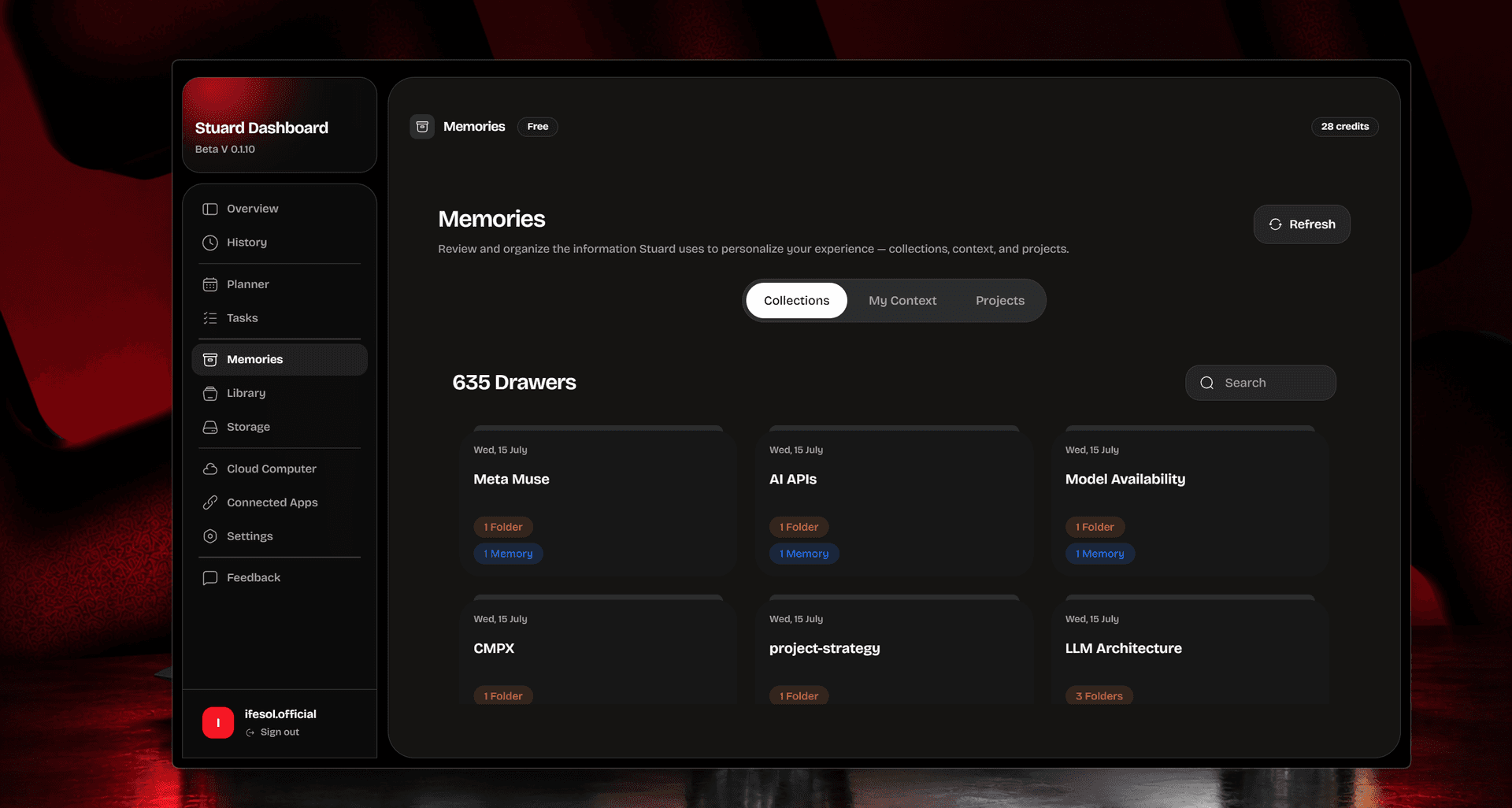
It remembers, so you don't have to.
Your preferences, your projects, every “do it like last time.” No more being the manual bridge between tabs. Say it once.
08 / Private by architecture
Your files never leave your PC.
Chat, files and screen stay on your machine. Nothing syncs unless you ask it to.
Connected accounts are touched only when you ask, under Google's Limited Use policy.
Every file edit and action is checkpointed. Revert any change, and permissions stay manual until you hand over full access.
Disconnect anything, anytime. We never train on your data, and never sell it.
09 / Pricing
Free forever. Not a trial.
Replace $500 a month of AI subscriptions with one workspace. Bring your own keys when you want them.
Stuard AI is a desktop app for Windows that gives you an AI assistant with real access to your computer — it organizes files, manages your email and calendar, works your apps, and turns any repeated task into an automation that runs on its own.
Other platforms